Basic Computer Operations
Students learn how to start, use and manage computer systems with confidence and care.
9675677111 Principal.pinkmodel@gmail.com Affiliation No.: RBSE / Board of Secondary Education Rajasthan
At Pink Model School, our computer lab helps students build digital confidence through guided, practical, and supervised technology learning.
.JPG)
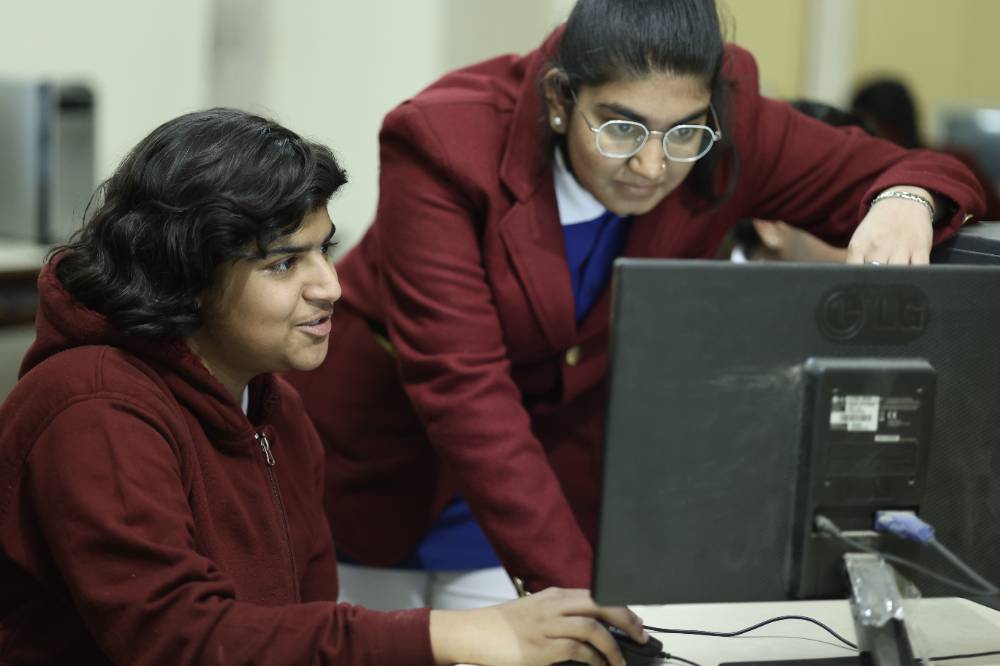
Students learn technology best when they use computers directly. In the computer lab, children practice basic operations, keyboard handling, typing and digital concepts under teacher guidance.
The computer lab focuses on practical digital literacy, safe usage and confidence with everyday computer operations.
Students learn how to start, use and manage computer systems with confidence and care.
Hands-on sessions improve handling, selection, clicking and typing discipline.
Regular practice helps students type better and work more comfortably.
Students learn responsible digital habits and safe exposure to technology.
Computer activities support drawing, presentations, projects and creative learning.
Teachers guide each step so students learn clearly and safely.
The learning process is structured like a clean digital workflow: first understand, then practice, then grow in confidence.
Students understand the concept and purpose of the activity.
The teacher demonstrates steps before independent practice.
Students work directly on systems and build handling skills.
Teachers correct mistakes and support each student.
Students become more comfortable with digital learning.
Students use computers in a supervised environment where teachers guide them step-by-step and help them learn technology responsibly.
Guided practice keeps learning clear and safe.
Students learn responsible digital boundaries.
Children learn careful handling and digital discipline.
Each activity is structured for confidence.
Clean, organized sessions support focused learning.
Students learn by operating computers directly during lab sessions.
Activities are organized so skills build gradually and meaningfully.
Teachers support students with practical instructions and corrections.
A disciplined environment supports concentration and safe technology use.
Computer education helps students develop problem-solving, step-by-step understanding and confidence with technology. Even simple activities build logic, order and patience.
if learning:
  practice()
  understand()
  build_confidence()
  grow_future_ready()
Computer lab activities can support drawing, presentations, typing, digital projects, research and creative use of technology.
Simple digital art builds creative comfort.
Typing practice improves speed and control.
Students learn to organize ideas visually.
Digital activities support active learning.
Guided digital exploration builds awareness.
Students experience technology constructively.
Students become comfortable using systems.
They learn safe and responsible habits.
Handling and typing become smoother.
Practical exposure builds curiosity.
Students learn step-by-step reasoning.
Computer skills support future education.
A monitor-framed gallery keeps space ready for updated computer lab photos while maintaining a premium digital identity.
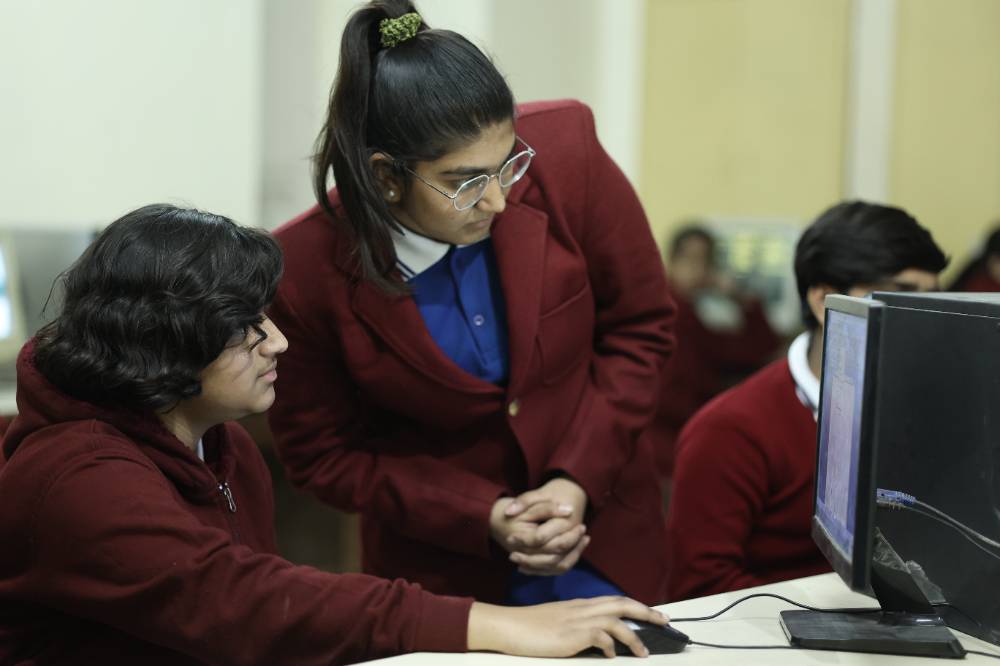
Regular exposure reduces hesitation and builds practical comfort.
Students learn by doing, not just by listening.
Guided use teaches discipline and safe awareness.
Digital skills help students adapt to modern learning.
Visit Pink Model School and explore how our computer lab supports practical digital learning in a safe, guided, and student-friendly environment.